User Help System
Log into Non-Federated Services
For users who have Federation Single Sign-On credentials and require a CME Group Login (username and password), follow the below steps. A CME Group Login is required to access applications that are not currently supported by Federation Single Sign-On.
- To create CME Group Login:
- Go to https://login.cmegroup.com/ and login with your Federation Single Sign-On credentials.
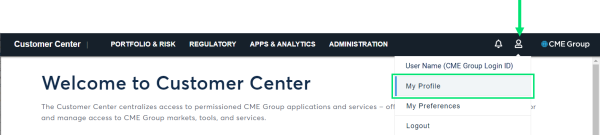
- Select the user icon > My Profile.
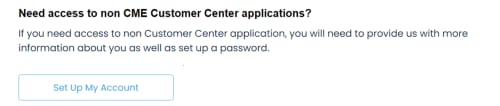
- Select Set Up My Account.
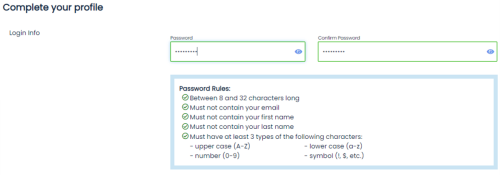
- Enter a Password--ensuring the password meets the requirements as shown:
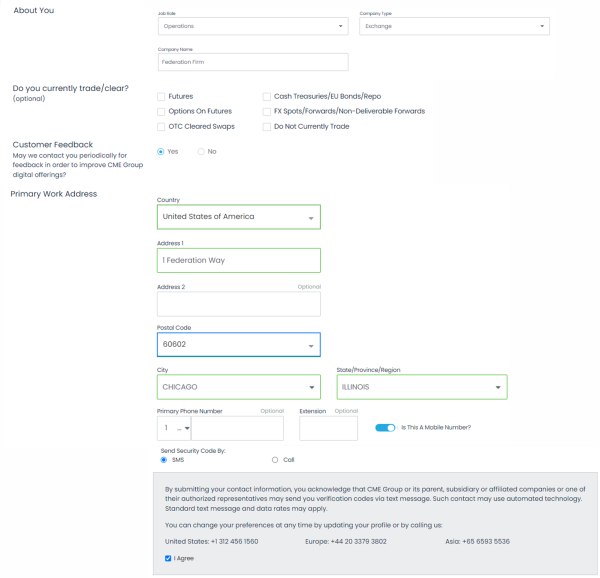
- Enter information presented on the screen, including Contact Information.
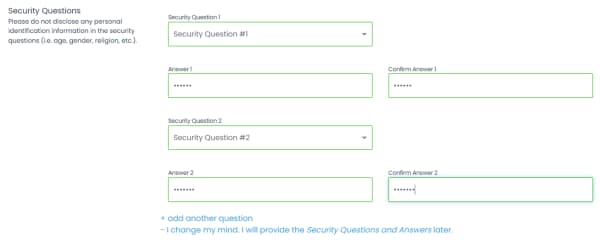
- Enter at least two Security Questions and Answers:
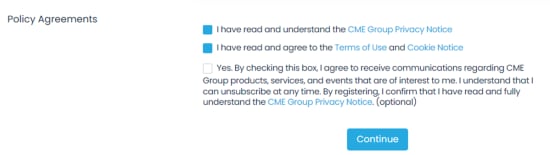
- Read and accept the Privacy Policy as well the Terms of Use, then select Continue.