User Help System
Settlement Statistic Message Test
The purpose of this test is to verify the client system can receive and process statistics messages.
- To run the settlement statistic message test:
- Prior to selecting the test, assign an Identifier

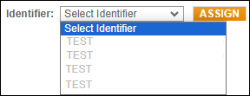 , and assign the API ID
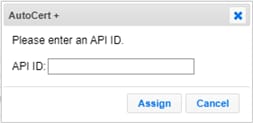 ; a unique identifier to connect, send and receive data (e.g. subscription messages, responses).
Note: To look up or manage API IDs, refer to the CME Group Login User Help.
- From the Instrument drop-down, select the instrument, then Select.

- Select START TEST, then confirm
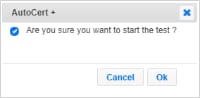 the selection.
 - Over an existing Websocket connection, send a Subscription Message for Statistics (→ subscriptionMessageTypes=STAT) on the selected instrument (→ → productCode).
- Receive and Process Subscription Status Message.
- A statistic message containing settlement price was sent. Validate the following value:


